
Hotel PMS Implementation Guide: Step-by-Step for 2026

Implementing a new property management system is one of the most impactful technology changes your hotel will undertake. Done well, it transforms operations. Done poorly, it creates months of frustration. This guide walks you through every step to ensure success.
Before You Begin: Timeline Overview
Allow adequate time for a smooth PMS implementation
Typical Implementation Timelines:
- Simple cloud PMS (small property): 2-4 weeks
- Mid-market solution: 4-8 weeks
- Enterprise PMS (large property): 3-6 months
Timeline Variables:
- Property size and complexity
- Data migration requirements
- Integration needs
- Staff availability for training
- Current system sophistication
Step 1: Define Requirements and Goals
 Clear requirements prevent scope creep and ensure proper vendor selection
Document Current Pain Points:
- What frustrates staff about the current system?
- What processes are manual that should be automated?
- What reports or data are you missing?
- Where do errors commonly occur?
Define Success Criteria:
- Specific operational improvements expected
- Time savings targets
- Error reduction goals
- Revenue impact expectations (see ROI guide)
Create Requirements List:
- Must-have features (non-negotiable)
- Nice-to-have features (prioritized)
- Integration requirements
- Reporting needs
- Mobile requirements
Step 2: Select Your Vendor
 Thorough vendor evaluation prevents costly mistakes
Shortlist Creation: Research options matching your requirements. Our PMS comparison guide covers the leading platforms.
Demo Evaluation:
- Prepare specific scenarios to test
- Involve front desk staff in demos
- Ask about your specific pain points
- Test mobile functionality
- Evaluate user interface
Reference Checks:
- Request references from similar properties
- Ask about implementation experience
- Inquire about ongoing support quality
- Understand hidden costs encountered
Contract Negotiation:
- Implementation support included? (review hospitality tech contracts best practices)
- Training scope and cost
- Integration fees
- Data migration assistance
- SLA and support terms
- Exit provisions
Step 3: Plan Your Implementation
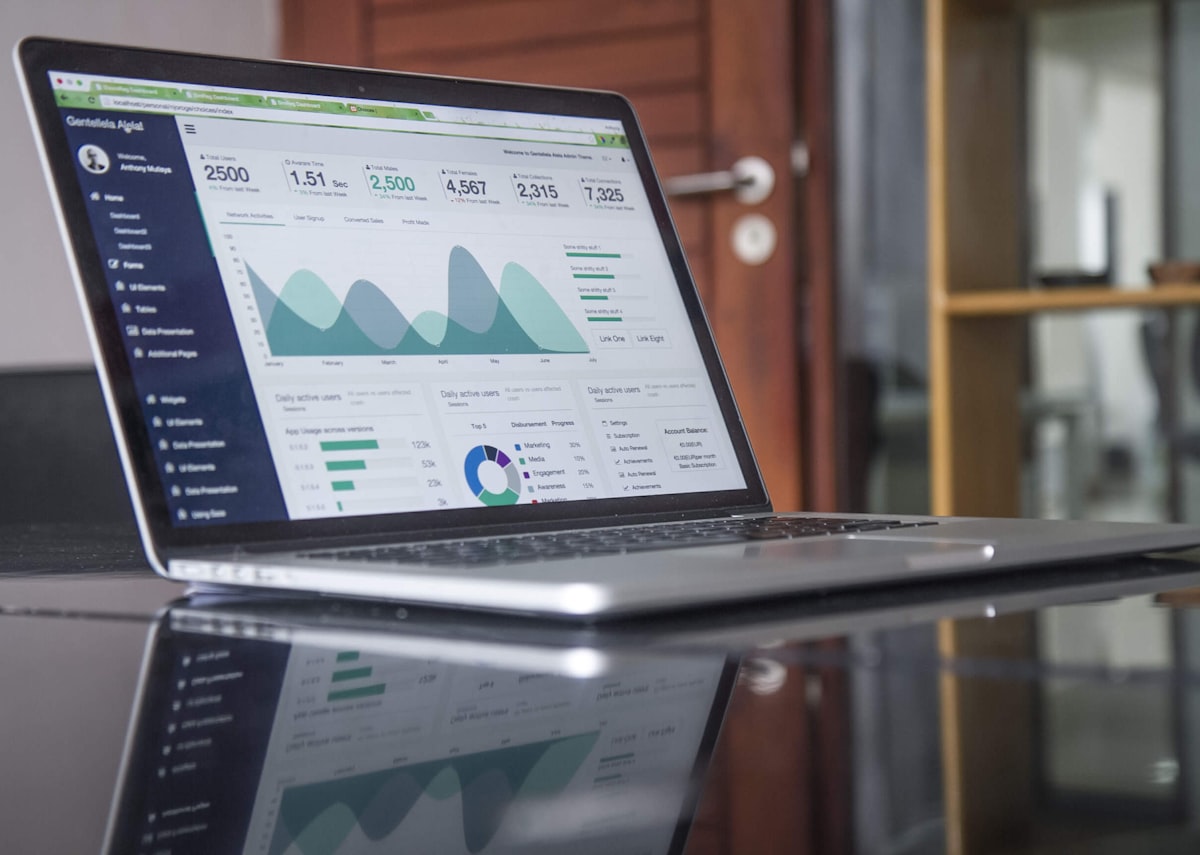 Detailed planning is the foundation of successful implementation
Assemble Your Team:
- Project manager (internal or vendor-provided)
- IT contact (even if outsourced)
- Department representatives
- Executive sponsor
- Vendor implementation specialist
Create Project Plan:
- Milestone schedule with dates
- Task assignments and ownership
- Dependencies mapped
- Risk identification
- Communication plan
Prepare Infrastructure:
- Internet connectivity assessment
- Hardware requirements (tablets, terminals)
- Network security review
- Integration endpoints identified
Step 4: Data Migration
 Clean data migration is critical for operational continuity
Data to Migrate:
- Guest profiles and history (following GDPR requirements)
- Future reservations
- Rate codes and structures
- Room types and inventory
- Recurring guest preferences
- Historical reports (if needed)
Data Cleaning: Before migration, clean your current data:
- Remove duplicate guest profiles
- Standardize naming conventions
- Verify rate accuracy
- Confirm room inventory
Migration Process:
- Export data from current system
- Transform to new system format
- Import to new PMS
- Validate data accuracy
- Reconcile discrepancies
Common Issues:
- Date format differences
- Character encoding problems
- Custom field mapping
- Historical data limitations
Step 5: Configure Your System
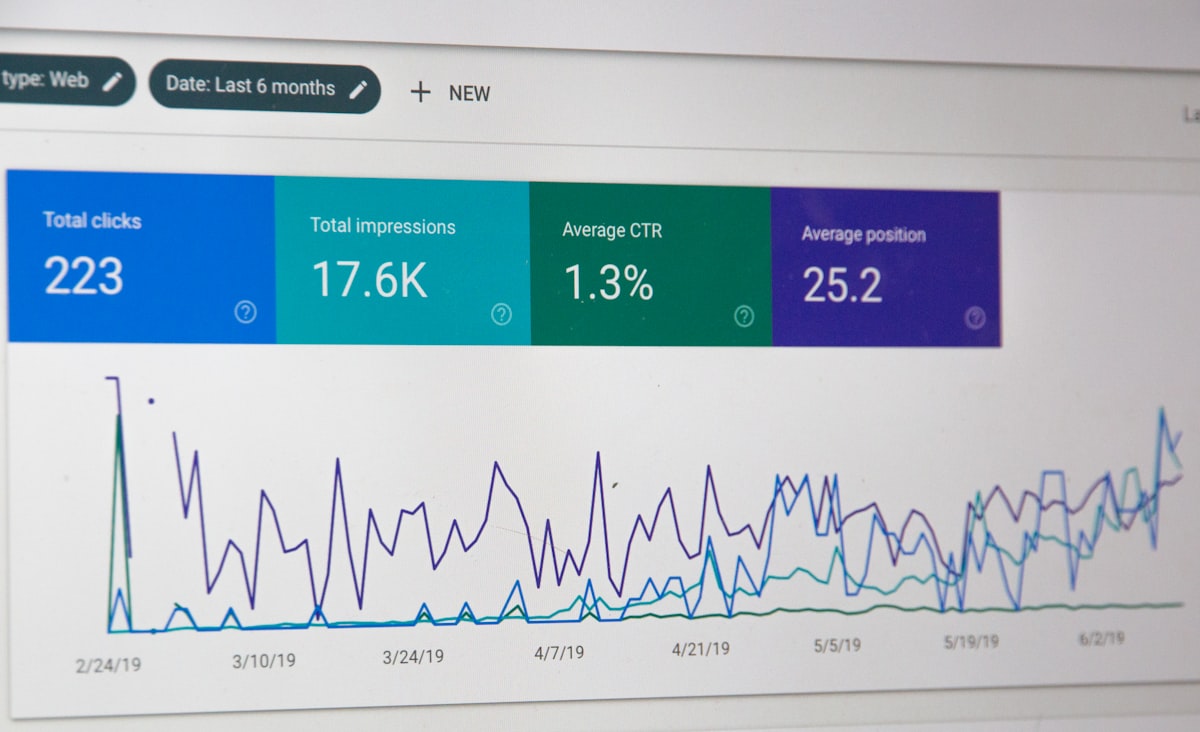 Proper configuration ensures the system matches your operations
System Setup:
- Room types and inventory
- Rate structures and codes
- Package configurations
- Tax settings
- Payment gateway connection
- User accounts and permissions
Channel Manager Setup:
- OTA credentials entry
- Room type mapping
- Rate plan mapping
- Testing each channel
- Go-live scheduling
Booking Engine Integration:
- Website widget installation
- Branding customization
- Rate plan visibility
- Promotional tools setup
Other Integrations:
- Payment processor
- Accounting software
- Door locks (if applicable)
- Guest communication tools
Step 6: Train Your Staff
 Comprehensive training is essential for adoption and success
Training Approach:
- Role-based training (front desk, housekeeping, management)
- Hands-on practice (not just watching)
- Real scenario exercises
- Quick reference guides
- Ongoing support plan
Training Schedule:
- Initial training: 2-5 days depending on complexity
- Practice period: 1-2 weeks before go-live
- Refresher training: 2-4 weeks after go-live
- Advanced features: 1-2 months post-implementation
Documentation:
- Custom SOPs for your property
- Quick reference cards
- Troubleshooting guides
- Escalation procedures
Common Training Mistakes:
- Training too far in advance (people forget)
- Not enough hands-on practice
- Ignoring night audit procedures
- Missing edge case scenarios
Step 7: Test Thoroughly
 Thorough testing prevents go-live problems
Testing Areas:
- Reservation creation and modification
- Check-in and checkout processes
- Payment processing
- Channel manager sync
- Booking engine functionality
- Report accuracy
- Night audit procedures
- Edge cases (overbooking handling, cancellations)
Parallel Operation: Consider running both systems simultaneously for a period:
- Enter reservations in both
- Compare outputs
- Identify discrepancies
- Build confidence
User Acceptance Testing:
- Have actual staff perform real tasks
- Document all issues found
- Prioritize fixes before go-live
- Confirm critical functions work
Step 8: Go-Live
 Plan your go-live to minimize operational disruption
Go-Live Timing:
- Avoid peak season if possible
- Consider midweek (lower occupancy)
- Ensure vendor support availability
- Have backup plans ready
Go-Live Checklist:
- ☐ All data migrated and verified
- ☐ All channels connected and tested
- ☐ All staff trained and confident
- ☐ Backup procedures documented
- ☐ Support contacts accessible
- ☐ Management available on-site
Day-Of Activities:
- Early morning final system checks
- All-hands briefing
- Extra supervisory coverage
- Regular check-ins with staff
- Issue tracking and resolution
- End-of-day review
Step 9: Post-Implementation Support
 Ongoing optimization maximizes your PMS investment
First Week:
- Daily check-ins with staff
- Issue prioritization and resolution
- Additional training as needed
- Process refinement
First Month:
- Weekly review meetings
- Performance metric tracking
- User feedback collection
- Feature optimization
Ongoing:
- Regular system updates
- New feature adoption
- Periodic training refreshers
- Vendor relationship management
Common Implementation Challenges
 Anticipate these common challenges to mitigate risks
Resistance to Change:
- Involve staff early in vendor selection
- Highlight benefits they'll experience
- Address concerns openly
- Celebrate early wins
Data Quality Issues:
- Start data cleaning early
- Verify critical data manually
- Have contingency for missing data
- Accept some historical limitations
Integration Complications:
- Test integrations thoroughly before go-live
- Have manual backup procedures
- Prioritize critical integrations
- Phase non-critical integrations post-launch
Scope Creep:
- Stick to defined requirements
- Document change requests
- Evaluate impact before accepting
- Phase enhancements post-implementation
Measuring Implementation Success
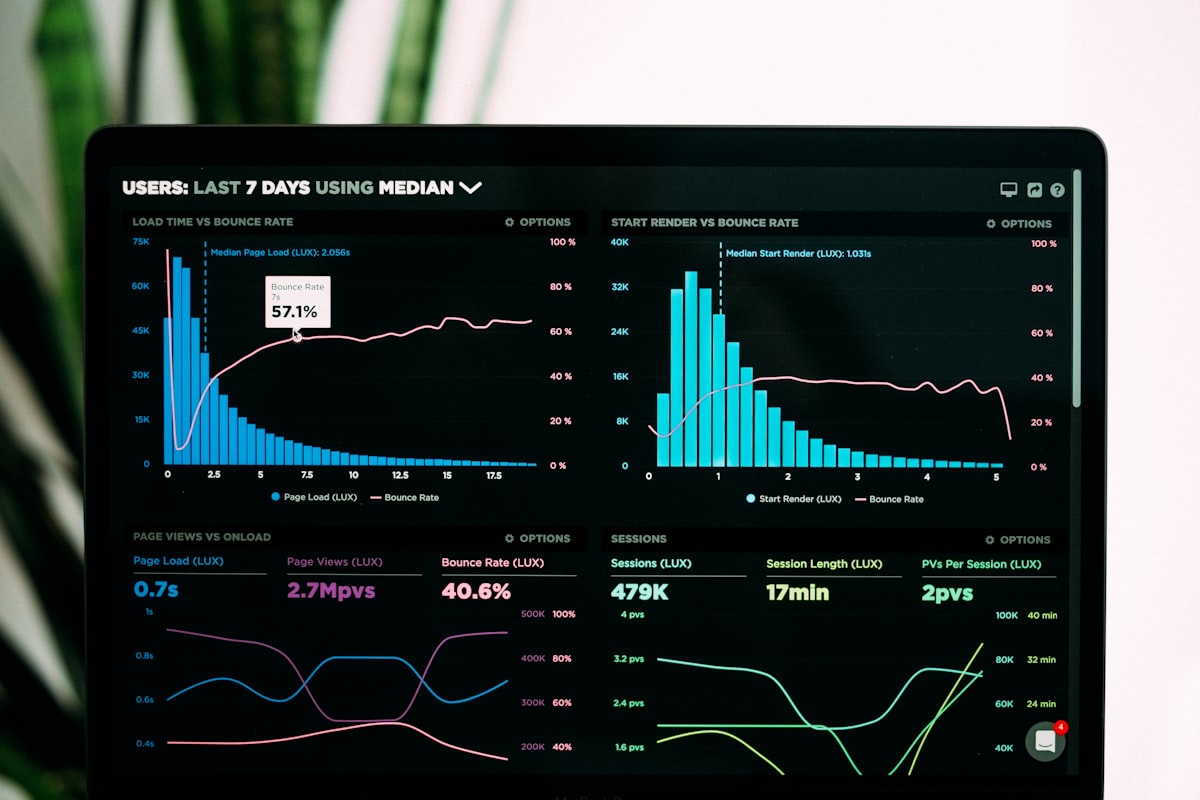 Track these metrics to evaluate your implementation
Immediate Metrics (Week 1-4):
- System uptime and stability
- Staff adoption and confidence
- Error rates vs. old system
- Process completion times
Short-term Metrics (Month 1-3):
- Check-in/checkout time
- Overbooking frequency
- Staff satisfaction scores
- Guest complaint rates
Long-term Metrics (Month 3-12):
- ROI realization
- RevPAR impact
- Direct booking percentage
- Overall operational efficiency
When Things Go Wrong
 Have contingency plans for common problems
System Down:
- Manual registration procedures
- Paper-based backup forms
- Key card alternatives
- Guest communication scripts
Data Discrepancies:
- Manual reconciliation procedures
- Escalation to vendor support
- Guest communication for issues
- Documentation for post-resolution
Staff Overwhelmed:
- Additional on-site support
- Reduced expectations temporarily
- Celebrate small victories
- Consider phased rollback if severe
Frequently Asked Questions
 Common questions about implementing a new PMS
How long should implementation take? Typically 2-8 weeks for most properties. Enterprise solutions like Opera may take 3-6 months.
Should we implement during low season? Ideally yes—lower occupancy reduces risk and gives more time for issue resolution.
What if staff resists the new system? Address concerns, provide extra training, highlight benefits, and give time for adjustment. Resistance usually fades as competency grows.
How do we handle in-house guests during transition? Most properties handle existing reservations in the old system through checkout, entering new reservations in the new system starting from a cutoff date.
Can Hotefy or similar platforms simplify implementation? Modern cloud platforms generally have faster implementation than legacy systems. Look for vendors with strong implementation support.
Conclusion
 Thorough planning and execution lead to successful implementation
PMS implementation is a significant undertaking, but proper planning dramatically improves outcomes. Focus on clear requirements, thorough testing, comprehensive training, and realistic expectations.
The most successful implementations share common traits: executive sponsorship, staff involvement, adequate timeline, and willingness to adjust plans when needed.
Your new PMS should make daily operations easier within weeks of go-live. If you're still struggling after a month, revisit training and configuration—the problem is usually solvable.
More Articles

Best Mobile PMS Apps for Hotels in 2026: Manage from Anywhere
Compare the top mobile hotel PMS apps for iOS and Android in 2026. Discover which property management systems offer the best mobile functionality for hotel staff on the go.

Best Contactless Hotel Check-In Software in 2026: Complete Guide
Compare the top contactless check-in solutions for hotels in 2026. Discover how self-service kiosks, mobile check-in, and digital keys improve guest experience and reduce front desk workload.

Hotel Data Analytics and Reporting Software: Complete Guide 2026
Discover the best hotel analytics and business intelligence software in 2026. Learn how data-driven insights improve revenue, operations, and guest satisfaction at your property.