
Best Hotel Front Desk Software for 2026
Your front desk is the command center of hotel operations. The software powering it affects every guest interaction, staff efficiency metric, and operational outcome. The right front desk system transforms chaos into seamless hospitality.
This guide covers the best front desk software options for 2026—from full PMS platforms to specialized reception tools.
What Front Desk Software Should Do
Front desk software should simplify, not complicate, daily operations
Core Functions:
- Reservation management and modification
- Check-in and checkout processing
- Room assignment and availability
- Guest profile management
- Payment processing
- Key card encoding
- Housekeeping coordination
Advanced Features:
- Mobile check-in integration
- Automated guest communication
- Upselling and upgrade prompts
- Real-time reporting
- Multi-property dashboard
Top Front Desk Software Solutions
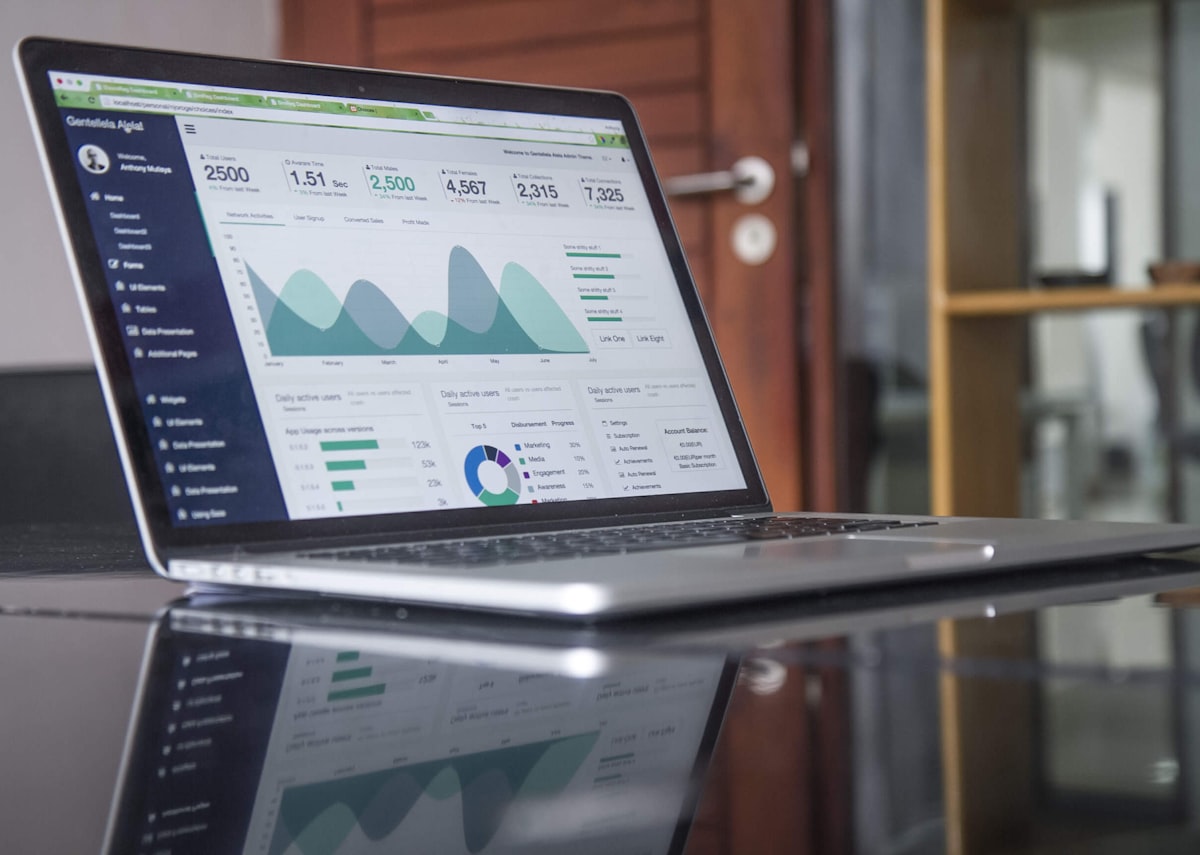 The best solutions balance functionality with ease of use
Full PMS Solutions with Front Desk
Most hotel front desk software is part of a complete property management system:
1. Mews
- Modern, intuitive interface
- Color-coded visual system
- Mobile-first design
- Staff learns in hours
- Best for: Boutique hotels (25-199 rooms)
2. Cloudbeds
- All-in-one platform
- Drag-and-drop calendar
- Guest engagement tools
- Strong channel integration
- Best for: Independents (10-74 rooms)
3. Opera Cloud
- Enterprise-grade depth
- Complex operations support
- Extensive customization
- Multi-property management
- Best for: Large hotels (200+ rooms)
4. Little Hotelier
- Purpose-built simplicity
- Excellent mobile app
- Fast check-in process
- Best for: Small properties (1-24 rooms)
Specialized Front Desk Tools
For properties needing specific front desk enhancements:
Canary Technologies — Digital registration cards, ID verification ALICE — Guest request management, concierge tools Whistle — Guest messaging, digital check-in
Evaluating User Interface
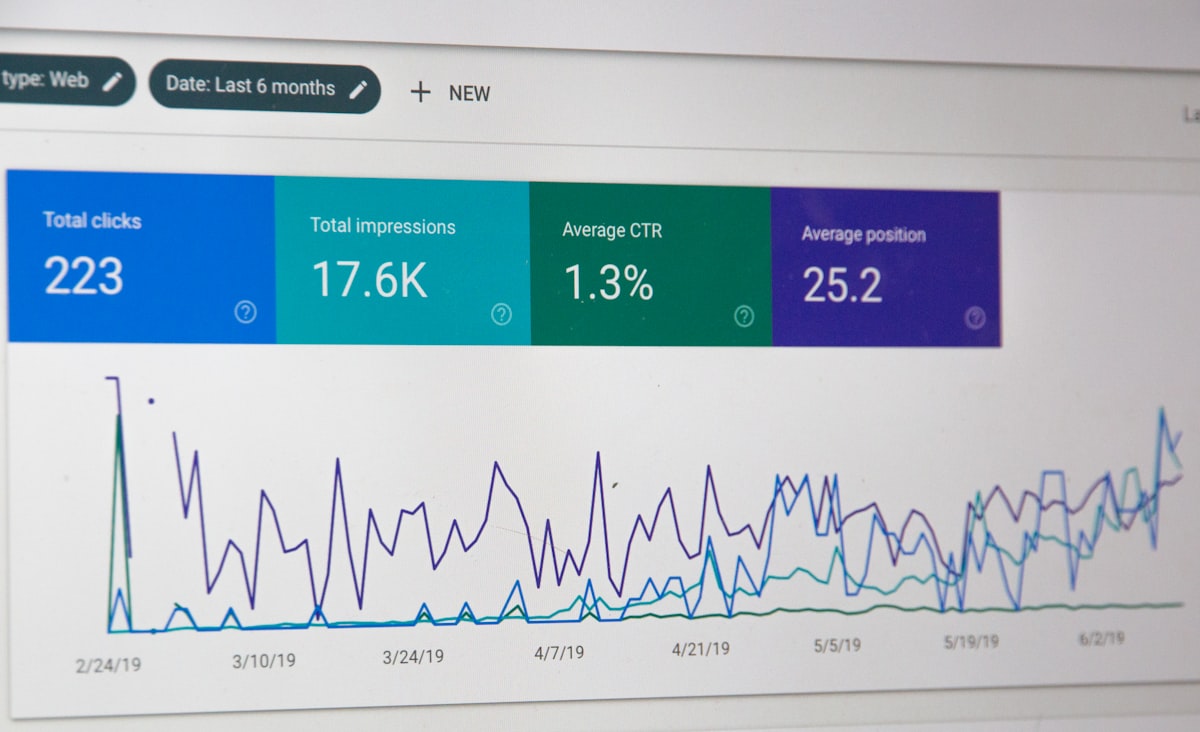 Interface design directly impacts staff efficiency
What to Evaluate:
- Speed — How many clicks to check in a guest?
- Clarity — Can new staff navigate intuitively?
- Visual design — Is status information clear at a glance?
- Customization — Can you adapt to your workflow?
Red Flags:
- Multiple screens for simple tasks
- Confusing terminology
- Slow load times
- Cluttered dashboards
Best Practice: Have your actual front desk staff test the software during demos. Their daily experience matters more than feature lists.
Mobile Front Desk Capabilities
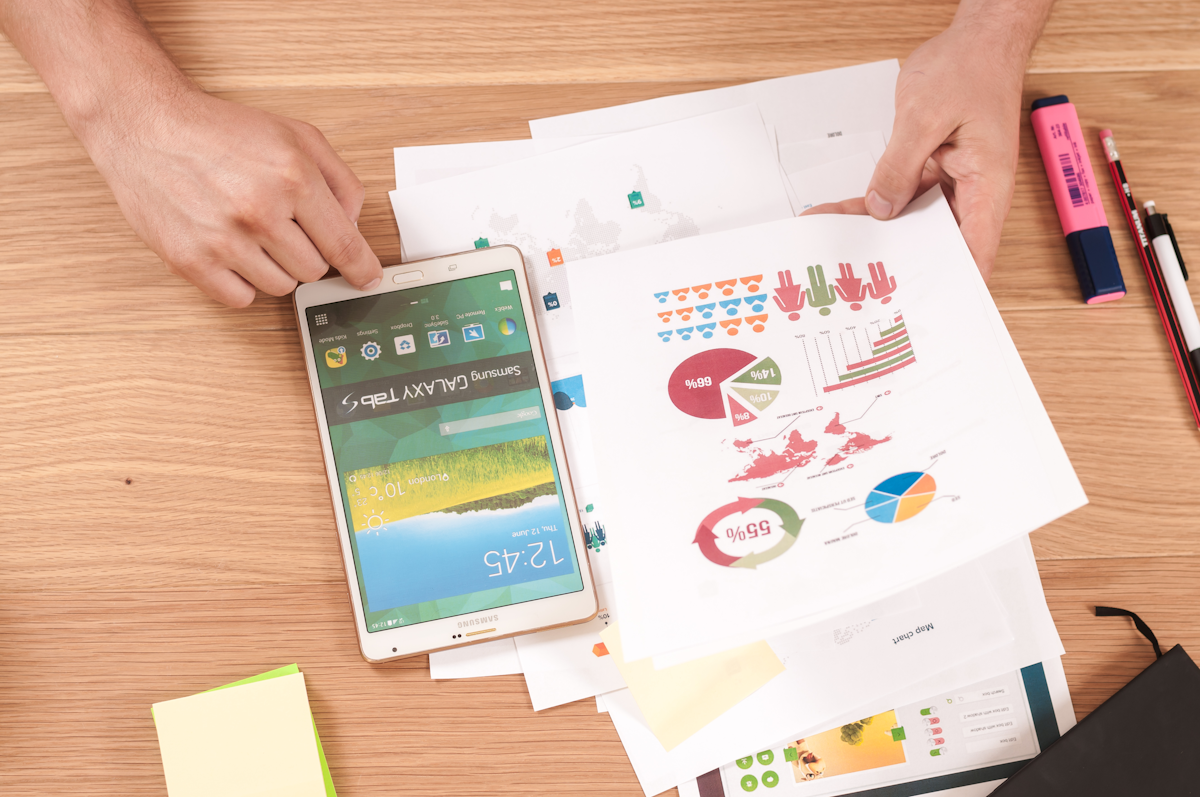 Mobile capabilities enable flexible guest service
Modern front desk isn't confined to the desk. Look for:
Mobile Check-in:
- Staff can check in guests anywhere on property
- Reduces lobby congestion
- Enables concierge-style arrivals
Mobile Key Delivery:
- Send digital keys to guest phones
- Reduce key card costs and waste
- Enable direct-to-room arrivals
Mobile Management:
- View and modify reservations from anywhere
- Handle urgent issues remotely
- Monitor occupancy and availability
Best Mobile Experience: StayNTouch and Mews lead for mobile-first front desk operations.
Integration Requirements
 Front desk software must integrate with your technology stack
Essential Integrations:
- Payment processing (Stripe, Square, etc.)
- Key card/lock systems
- Channel manager
- Booking engine
- Housekeeping systems
Valuable Integrations:
- Revenue management
- Guest communication
- Accounting software
- CRM systems
Integration Questions:
- Pre-built integrations available?
- Open API for custom connections?
- Additional fees for integrations?
Check-in Process Optimization
 The best software streamlines check-in significantly
Traditional Check-in Time: 5-10 minutes Optimized Check-in Time: 1-3 minutes
Speed Improvements:
- Pre-registration collects information before arrival
- Digital signature capture
- ID scanning automation
- Automatic room assignment
- One-click key encoding
Guest Experience: Faster check-in leads to higher satisfaction scores. Technology should reduce, not replace, the human welcome.
Checkout Process Optimization
 Smooth checkout leaves lasting impressions
Checkout Features to Look For:
- Express checkout options
- Email folio delivery
- Automatic payment processing
- Mobile checkout capability
- Post-stay feedback capture
Best Practices:
- Offer checkout the night before via message
- Enable mobile checkout completely
- Automate receipt delivery
- Capture departure time for housekeeping
Housekeeping Coordination
 Real-time housekeeping integration improves room turns
Front desk software should coordinate with housekeeping:
Key Features:
- Real-time room status updates
- Priority room highlighting
- Maintenance issue flagging
- Out-of-order management
- Staff assignment visibility
Impact:
- Faster room availability after checkout
- Fewer guest waits at check-in
- Better maintenance coordination
- Improved staff communication
Reporting and Analytics
 Data-driven insights improve operations
Essential Reports:
- Daily arrivals and departures
- Occupancy and revenue
- No-show and cancellation tracking
- Average check-in time
- Staff productivity metrics
Advanced Analytics:
- Guest satisfaction trends
- Upsell conversion rates
- Peak period analysis
- Forecast vs. actual performance
Training and Adoption
 Training investment determines adoption success
Training Considerations:
- How long to basic proficiency?
- What training resources are provided?
- Is ongoing training available?
- What's the vendor's support quality?
Adoption Best Practices:
- Involve staff in selection process
- Allow adequate training time
- Create property-specific quick guides
- Identify internal champions
See our PMS implementation guide for detailed training approaches.
Budget Considerations
 Understand total cost of ownership
Cost Components:
- Monthly/annual subscription
- Per-room or flat pricing
- Implementation fees
- Training costs
- Integration fees
- Hardware requirements
Typical Pricing:
- Small property (under 25 rooms):
$50-200/month - Mid-size (25-100 rooms):
$200-600/month - Large property: Custom pricing
See our ROI guide for calculating returns.
Frequently Asked Questions
 Common questions about hotel front desk software
Can I use front desk software without a full PMS? Some specialized tools work standalone, but most effective front desk software is part of an integrated PMS.
How long does implementation take? 2-6 weeks for most cloud solutions. See our implementation guide for details.
What if my staff isn't tech-savvy? Choose solutions like Little Hotelier or ThinkReservations that prioritize simplicity. All good platforms have strong training resources.
Is Hotefy good for front desk operations? Yes—Hotefy offers modern front desk capabilities with intuitive design suited for independent properties.
Should I prioritize features or ease of use? For front desk, ease of use wins. Staff use it hundreds of times daily—every extra click multiplies frustration.
Conclusion
 The right software transforms front desk operations
Your front desk software should make staff more efficient and guest interactions smoother. Prioritize ease of use, speed, and integration capabilities over feature count.
Test thoroughly with your actual staff. Their daily experience determines whether the investment succeeds. The best software disappears into the background, letting hospitality shine through.
Start with our PMS comparison to identify platforms matching your property's needs, then evaluate front desk experience specifically during demos.
More Articles

Best Mobile PMS Apps for Hotels in 2026: Manage from Anywhere
Compare the top mobile hotel PMS apps for iOS and Android in 2026. Discover which property management systems offer the best mobile functionality for hotel staff on the go.

Best Contactless Hotel Check-In Software in 2026: Complete Guide
Compare the top contactless check-in solutions for hotels in 2026. Discover how self-service kiosks, mobile check-in, and digital keys improve guest experience and reduce front desk workload.

Hotel Data Analytics and Reporting Software: Complete Guide 2026
Discover the best hotel analytics and business intelligence software in 2026. Learn how data-driven insights improve revenue, operations, and guest satisfaction at your property.